

Website Malware Scan
Enter a URL to check for malware, viruses, blacklisting status, website errors, malicious code & more.
As a website owner, securing your website is of utmost importance. Cyber threats, such as hacking attempts and malware infections, can not only compromise your website’s functionality but also put your visitors at risk. In this article, we will delve into the details of securing a website, equipping you with essential tools and techniques to maintain a safe online presence.
Table of contents
How to check a website for malware
Securing a website begins with conducting a thorough check for malware. This initial step is crucial in identifying and addressing any potential threats that could compromise your website’s integrity and the safety of its visitors. Consider the following practical approaches for checking your website for malware:
Method 1: Use a website malware scanner
Online website scanning services like Sucuri SiteCheck[2] and Google Safe Browsing[3] are reputable and powerful tools that can thoroughly evaluate your website for possible malware infections. Simply visit their websites and enter your website’s URL to initiate the scanning process.
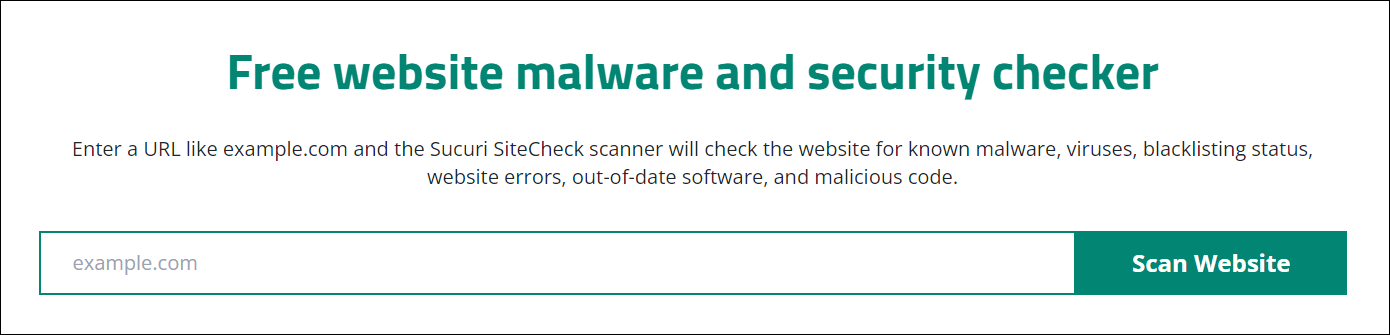
For example, here’s how you can scan your website for malware with Sucuri SiteCheck:
- Go to the Sucuri SiteCheck[4] page.
- Enter the URL of your website (example.com), then click Scan Website.
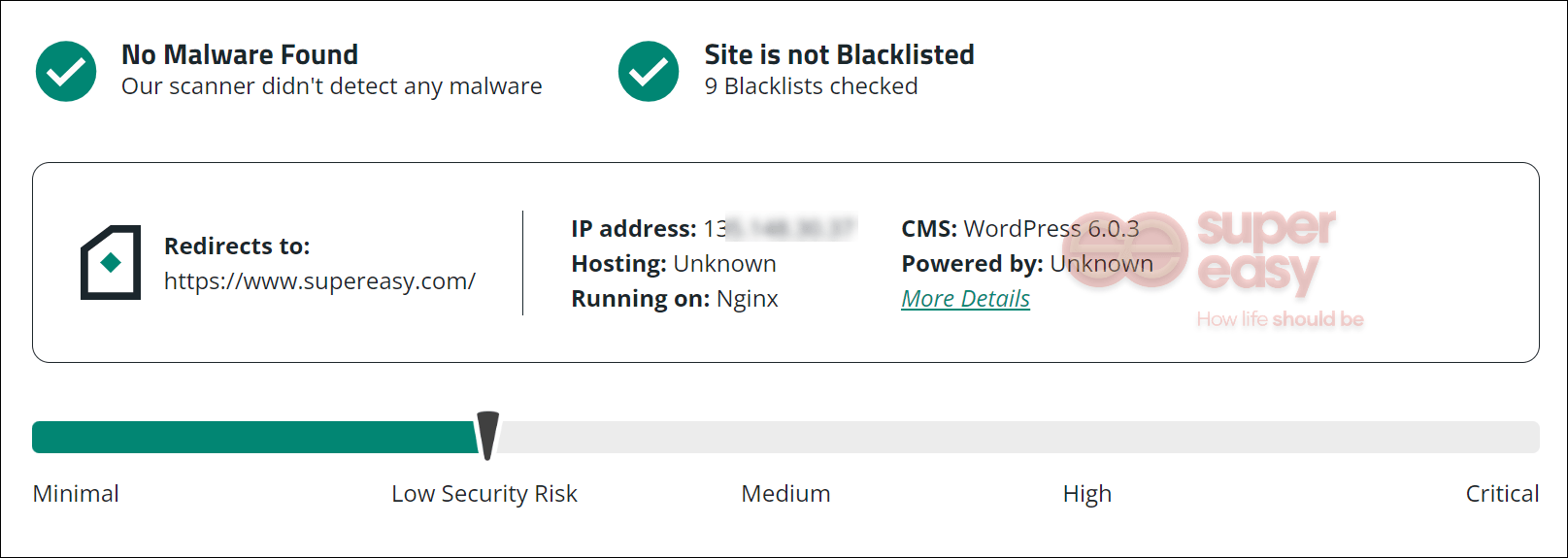
- Sucuri will initiate the scanning process, and within seconds, it will provide you with the results. The report will include any identified malware on your site, whether your site is blacklisted, and an assessment of your site’s overall security level.
If your website has been infected with malware, it’s crucial to take immediate action to remove it and restore the security of your website. Remember, website malware removal can be a complex process, and it’s advisable to seek professional assistance if you’re unsure or unable to handle it yourself.
>> How to remove website malware & viruses[5]
Method 2: Check Blacklisting Status
Websites infected with malware are often blacklisted by search engines and security companies. So checking the blacklisting status of your website is another way to check your website for malware. You can simply use dedicated tools like Sucuri SiteCheck [6]or VirusTotal[7].
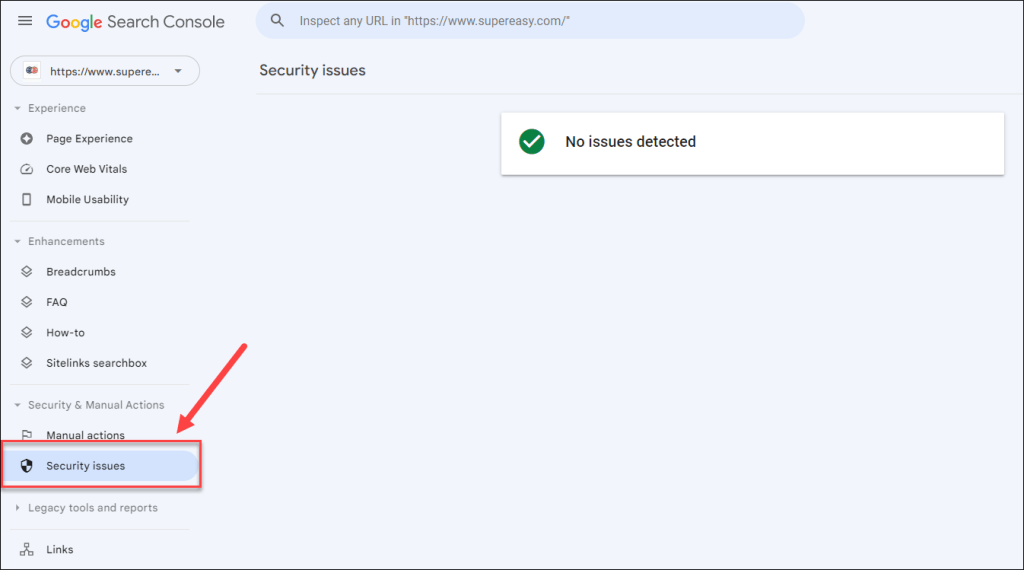
Alternatively, if your website is registered with Google Search Console, you can access the Security issues section to check if Google has flagged your website for any security-related issues or blacklisting.
If your website is blacklisted, it’s important to take immediate action to rectify the situation and request removal from the blacklist.
>> How to remove your website from blocklists[8]
Method 3: Perform thorough review of website behavior and source code (manually)
Check your website’s behavior and content for any signs of malware. Look out for excessive pop-up ads, frequent redirects to unrelated websites, unusual website performance, or unexpected changes in your website’s appearance.
You can also analyze the site code. It’s important to pay attention to script attributes and hidden iframes. Take note of lines that start with “