
Phishing techniques have continued to evolve, especially with the introduction of new, cutting-edge technologies. Although the InterPlanetary File System (IPFS) offers many benefits, it also allows cybercriminals to conduct malicious campaigns.
These attacks have become even more prominent as many file storage, web hosting, and cloud services now utilize IPFS. So what are IPFS phishing attacks, and how can you avoid them?
What Are IPFS Phishing Attacks?
IPFS replaces the Hypertext Transfer Protocol (HTTP) and Hypertext Transfer Protocol Secure (HTTPS) as a way to distribute the World Wide Web. Unlike its predecessors, which are location-based, IPFS is a distributed file system[1]. Instead of the traditional centralized client-server method, IPFS uses peer-to-peer (P2P) data networks located worldwide without requiring third parties or centralized authorities.
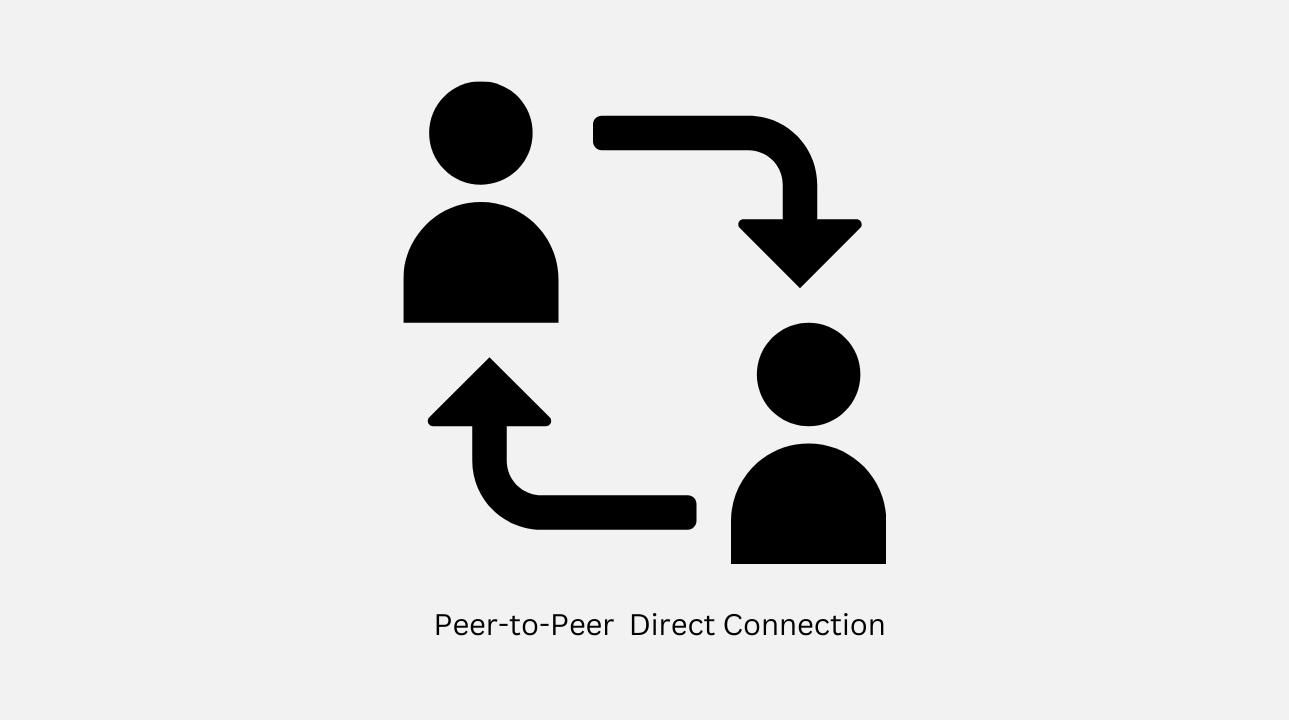
Because of IPFS’s decentralized nature, malicious actors are increasingly using P2P data sites to deceive unsuspecting individuals into exposing sensitive information or installing malware. These criminals leverage the IPFS network to host their phishing kit infrastructure[2], as they can easily camouflage their activities.
Moreover, any malicious data uploaded onto one of the connected networks (or node) can be distributed to other nodes. Also, these malicious files can only be deleted by their owners.
Hence, IPFS phishing content can be easily distributed, is more difficult to detect, and is persistent.
Types of IPFS Phishing Attacks
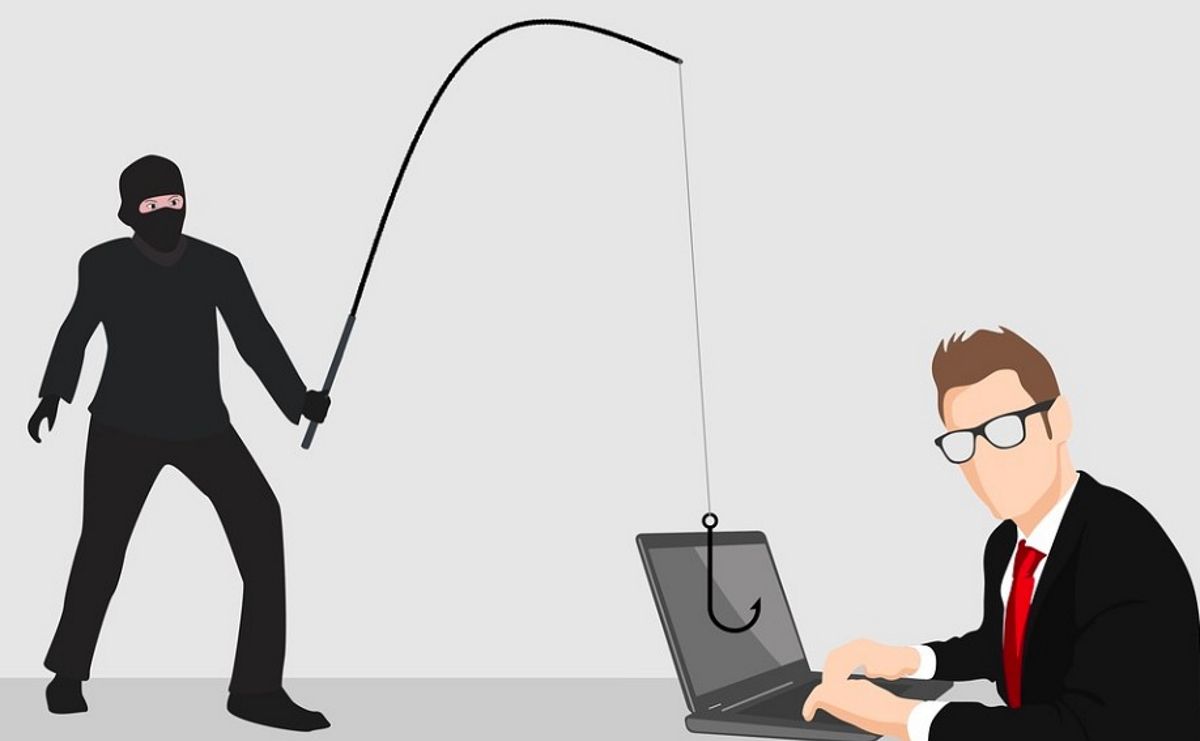
IPFS phishing attacks[3] could target specific individuals instead of several random users. However, mass IPFS phishing campaigns are more common.
To facilitate their attacks, these malicious actors employ one of the following methods:
- Malicious URLs: Attackers use phishing text messages, emails, direct messages (DMs), pop-ups, or other channels to deceive you into clicking links leading to malicious IPFS gateways.
- Domain Name System (DNS) spoofing: Alternatively, these malicious actors may create a fake DNS server that will redirect you to a malicious IPFS gateway hosting a fake website.
- Secure Sockets Layer (SSL) certificates: Also, they may employ a fake SSL certificate to convince you that you’re visiting a legitimate site.
An Example of IPFS Phishing Attacks
In July 2022, malicious actors distributed a fake token disguised as the Uniswap (UNI) token to over 70,000 Uniswap Liquidity Providers (LPs) wallet addresses. These hackers embedded a code in the malicious token’s smart contract[4], enabling their fake site to take on Uniswap’s branding.
Their message claimed they would give LPs more UNI tokens based on the number of fake tokens they had already received. However, LPs who interacted with the message only permitted the malicious smart contract to transfer their assets. This led to a loss of over 7,500 ETH.
How Do IPFS Phishing Attacks Work?
IPFS phishing attackers capitalize on reputable websites, applications, or data to deceive unsuspecting people.

First, they create a fake site or app that resembles the legitimate version. Then, they host this fake platform on the IPFS network.
Although IPFS is majorly available through P2P networks, several public IPFS gateways—like ipfs.io or dweb.link—enable traditional web users to access IPFS. These scammers use these gateways as proxies, so you can access files on the IPFS network even though you aren’t running an IPFS client.
After creating fake sites and hosting them on gateways, phishing attackers lure you into accessing their fake platforms. They may send you a mail, a text message, a DM, or message you in an application, such as a game or productivity app.
For instance, a phishing attacker can send you a PDF said to be related to DocuSign[5], the document signing service. When you click the “Review Document” button, it might look like you’re on a Microsoft authentication page. However, you’ll be on a fake site hosted on IPFS. If you insert your email address or password, the attacker will collect your details and likely use them for further attacks.
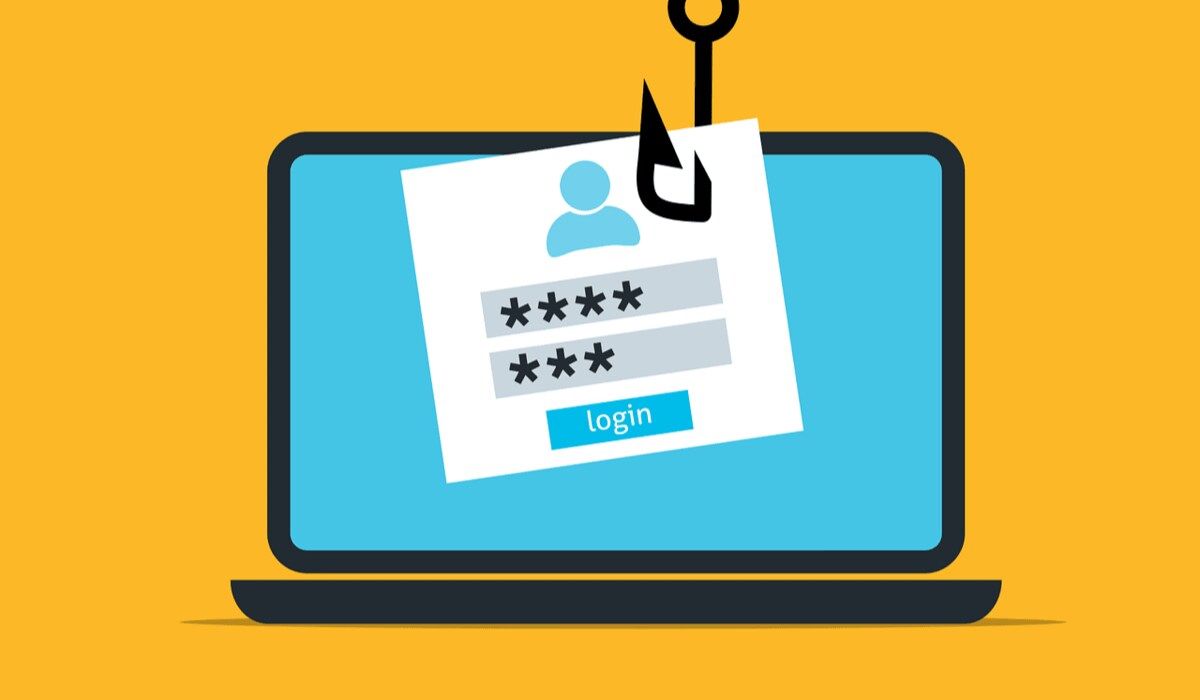
These attackers can use any subject line or file format as long as it can get you to click their malicious links.
3 Common Signs of IPFS Phishing Attacks
To avoid IPFS phishing attacks, you must recognize how they appear. Here are three common signs of these malicious attacks:
1. Unsolicited Messages or DMs

Phishing attackers mostly send text messages, emails, or DMs that prompt you to click a link, usually out of nowhere. They can request tax payments, authentications, account updates, clarifications, or other similar requests and commands that seem unwarranted.
These messages are typically generic and will likely not speak specifically to you. Sometimes, IPFS phishing attackers ask you to act fast so you don’t lose something or get into trouble.
Additionally, these scammers sometimes pose as legitimate platforms. They’ll send instructions—many times, out of the blue. But most companies will never ask for your sensitive details unprovoked over emails, texts, or DMs.
2. Suspicious URLs or SSL Certificates
Although it is best to avoid clicking links in emails, texts, or DMs, if you do click, you may notice that the URLs do not match that of the legitimate site. The site’s SSL certificate[6] may also be invalid or different from the original site’s.
3. Malicious IPFS Gateways
If you notice “IPFS” or “CID” in a link and the site you’re trying to visit is not hosted on IPFS, it is likely a sign of a phishing attack[7]. These identifiers could be at the beginning or end of the URL.
Pages hosted on IPFS have URLs that look this way: “https:///ipfs/” CID is the resource’s content identifier. Instead of CID, you may find IPNS ID or DNSLINK, which are also paths to the resource. Instead of these paths to resource, you may also find a 46-character random string.
However, if you’re supposed to be on the IPFS network, you can check the gateway used in the URL to determine if it’s malicious or safe.
10 Tips to Stay Safe With IPFS
You need to adjust your defenses to keep up with the advancement of phishing attacks. Apply the following tips to avoid IPFS phishing attacks.
- Always keep your browsers and software updated with the latest security patches.
- Try to manually insert URLs or use bookmarked links. Otherwise, properly inspect links to ensure they match the legitimate site.
- Use two-factor authentication (2FA)[8] whenever possible to protect your accounts from unauthorized access.
- Ensure you only use trustworthy IPFS gateways. Avoid unknown gateways.
- Protect your devices using up-to-date antivirus products.
- Always verify instructions in emails, texts, or DMs via official communication channels, especially if they are random or out of the blue.
- Check every IPFS gateway’s SSL certificate. Alternatively, you can install IPFS Companion[9] to securely interact with the network through your browser.
- When using IPFS gateways, you can employ a virtual private network (VPN) to mask your private address. Note that VPNs won’t be effective if you run an IPFS node.
- Use DNS sinkholing or web filters to block IPFS-based phishing sites.
- Stay up-to-date on IPFS trends, as cybercriminals will likely invent more sophisticated techniques to aid their malicious agendas.
Stay Vigilant to Stop IPFS Phishing Attacks
Bad actors continue to invent new ways to execute phishing attacks. They’ve begun employing the IPFS network to deceive and scam.
However, anti-spam methods and other solutions can curb these phishing attempts. So stay aware of the latest technological advancements and cyber threats to remain safe.
References
- ^ IPFS is a distributed file system (www.makeuseof.com)
- ^ host their phishing kit infrastructure (www.makeuseof.com)
- ^ phishing attacks (www.makeuseof.com)
- ^ smart contract (www.makeuseof.com)
- ^ DocuSign (www.docusign.com)
- ^ site’s SSL certificate (www.makeuseof.com)
- ^ sign of a phishing attack (www.makeuseof.com)
- ^ two-factor authentication (2FA) (www.makeuseof.com)
- ^ IPFS Companion (docs.ipfs.tech)